Linear Feet Calculator
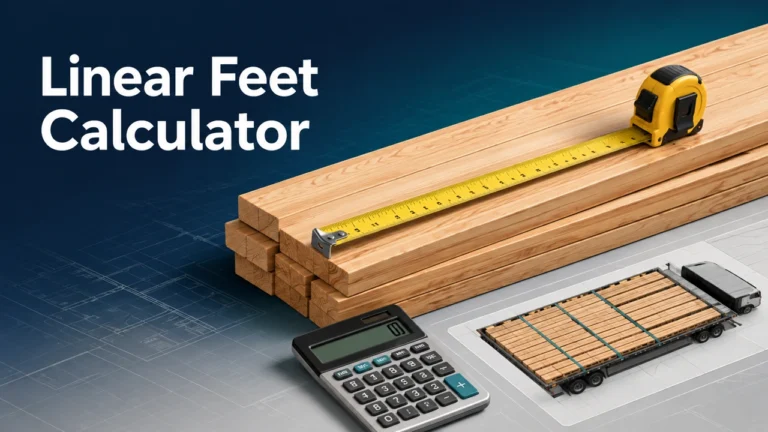
Convert square feet, material pieces, board feet, and identical pallet footprints into linear feet with unit, waste, cost, and freight-planning options.
Calculate Anything, Instantly
Use our free online calculators to solve everyday finance, construction, health and time-related calculations. Choose a calculator below, enter the requested information and receive an instant estimate without downloading software or creating an account.
Convert square feet, material pieces, board feet, and identical pallet footprints into linear feet with unit, waste, cost, and freight-planning options.
Estimate how many new 5-star Google reviews may be needed to reach a target displayed rating, calculate an exact weighted average from star counts, and project future rating scenarios.
AtoZ Calculators brings useful calculation tools together in one convenient place. Instead of working through formulas manually, you can enter the available information and receive an organised estimate within seconds. As a result, everyday calculations become easier to understand and check.
Our tools cover several practical categories, including finance, construction, health and time. For example, you can estimate material requirements for a building project, examine salary-related figures or calculate age from a date of birth. Each calculator focuses on a specific task so that you can find relevant inputs and results without navigating unnecessary options.
Although our calculators are free to use, no registration or software installation is required. Therefore, you can open a tool in your browser whenever you need a quick estimate.
Planning a construction project often requires careful measurements and material estimates. Therefore, our construction calculators help homeowners, contractors and planners evaluate common project requirements before purchasing materials.
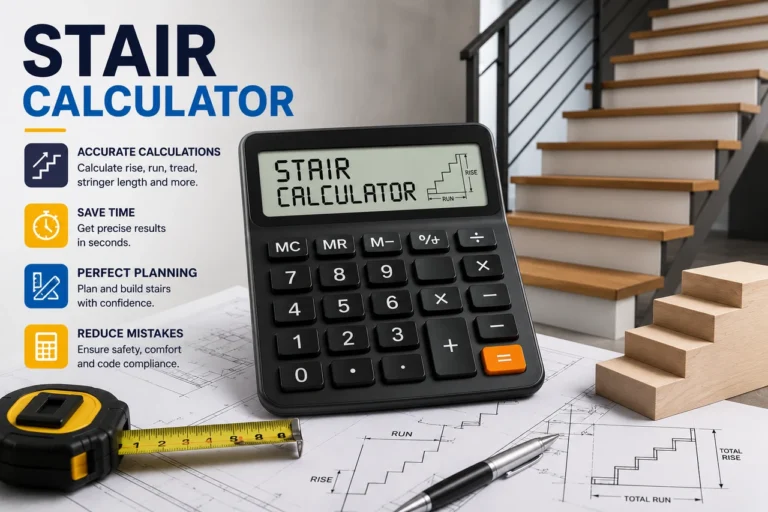
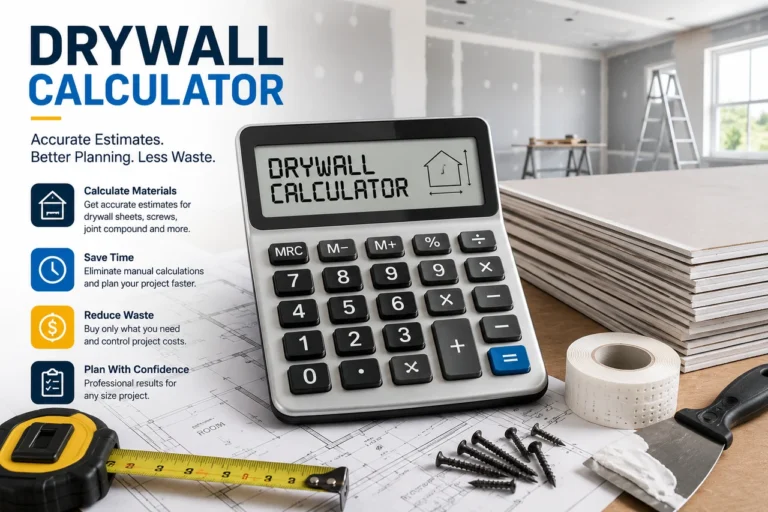
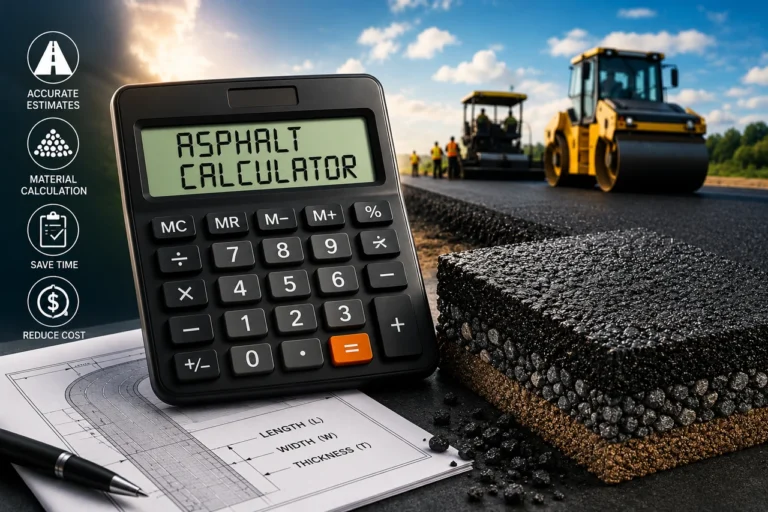
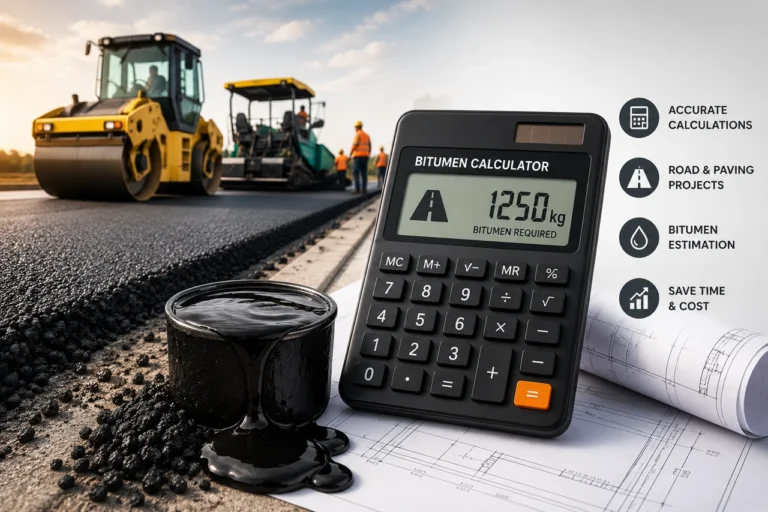
You can use the Stair Calculator to examine stair dimensions or the Drywall Calculator to estimate the amount of drywall required for a space. Similarly, the Asphalt Calculator and Bitumen Calculator can support early material planning for paving and surface projects.
These results can help you prepare an initial estimate. However, material conditions, project specifications and professional requirements may affect the final quantities.
Financial calculations can become difficult when they involve several percentages, pay periods or deductions. For that reason, our finance tools organise the information into a clearer result.
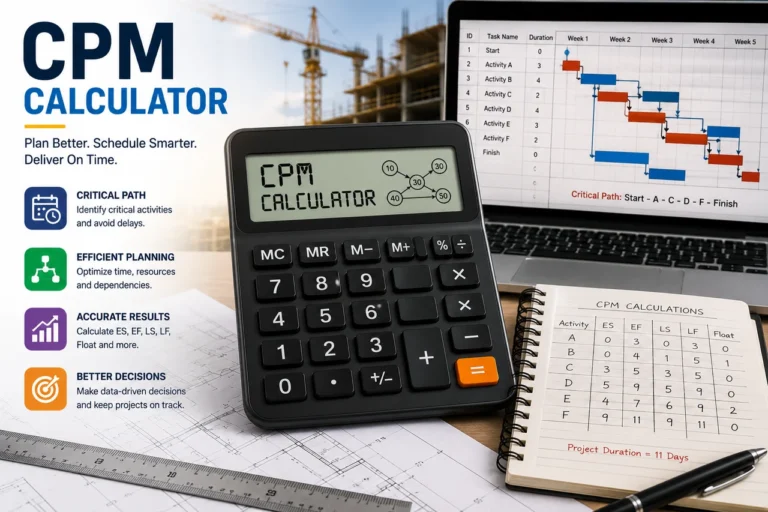
The Washington Paycheck Calculator estimates take-home pay after applicable federal taxes and selected payroll deductions. Meanwhile, the Salary Increase Calculator helps compare present and revised earnings. You can also use the Markup Calculator to evaluate selling prices and the CPM Calculator to examine advertising costs per thousand impressions.
Consequently, these calculators can support budgeting, salary comparisons, pricing decisions and campaign planning. Nevertheless, results should be treated as estimates rather than financial, tax or legal advice.
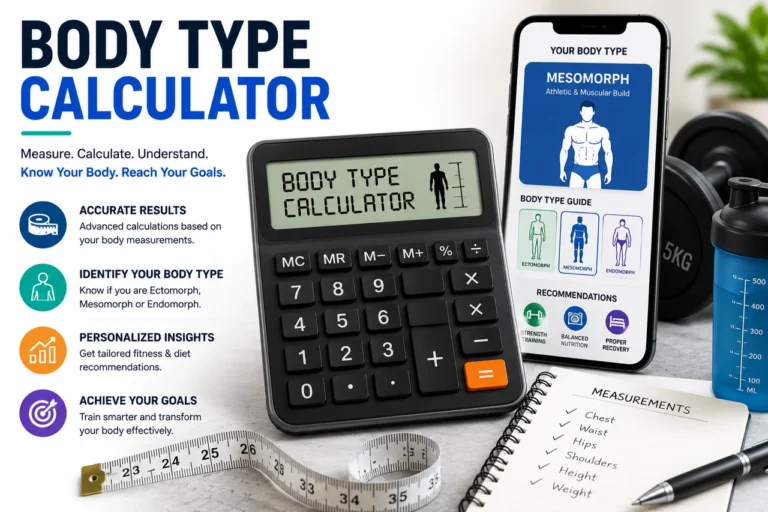
Our health-related tools are designed to make general measurements easier to interpret. For instance, the Body Type Calculator evaluates the measurements entered by the user, while the Puppy Weight Calculator provides a general estimate of future growth.
However, individual circumstances can vary considerably. Therefore, health or animal-growth results should not replace advice from a qualified medical or veterinary professional.
Date calculations may look simple, yet manually accounting for different months and years can lead to errors. The Chronological Age Calculator calculates the time between a birth date and a selected date. As a result, it can provide an age expressed in years, months and days.
This tool may be useful for forms, records, eligibility checks and everyday date comparisons. Even so, users should confirm results when an organisation applies its own age-calculation rules.
First, select the calculator that matches your task. Next, enter the requested values and review the units, dates or options you have selected. Then, run the calculation and examine the displayed results.
For better results, use complete and current information. Additionally, check whether the calculator provides assumptions, limits or explanatory notes. If you are unsure which tool to choose, visit our All Calculators page to browse the complete directory.
Our calculators are designed around straightforward inputs and understandable results. Moreover, they work directly in a web browser, so you do not need to download a spreadsheet or install an application.
We also continue to develop tools for practical calculation needs. Therefore, the available collection will expand as new calculators are researched, built and tested.
While we aim to provide dependable calculations, results can vary because of local regulations, professional standards, changing tax rules or information entered by the user. Accordingly, important financial, construction, legal and health decisions should be confirmed with an appropriately qualified professional.
Yes. The calculators available on AtoZ Calculators can be used without purchasing a subscription or creating an account.
No. Each calculator works through your web browser. Therefore, you can use the tools on a desktop computer, tablet or compatible mobile device.
The tools provide estimates based on the values and options entered. However, actual results may differ because of regulations, project conditions, rounding methods or individual circumstances.
Visit the All Calculators page to browse the complete collection by category.
A useful result begins with the correct tool. Two calculators may look similar while answering different questions. For example, the Asphalt Calculator estimates volume and material weight from surface dimensions, compacted thickness and density. The Bitumen Calculator uses surface dimensions and an application rate instead. Choosing between them depends on the material figure supplied by your contractor, engineer or product data sheet.
The same principle applies to finance tools. A salary increase calculation compares current pay with a proposed increase, while a paycheck calculation considers a wider set of payroll inputs. In advertising, CPM measures the cost of one thousand impressions. It does not calculate clicks, sales or return on advertising spend. Reading the calculator name, field labels and explanation first will help you select the tool that matches the decision you need to make.
Most large calculation errors begin with a small input mistake. Before selecting the calculate button, check every value against the unit shown beside its field. Metres and centimetres are not interchangeable. Kilograms and metric tons also represent different quantities. A decimal entered in the wrong place can change a construction estimate by a large amount.
Date tools require the same care. Confirm the day, month and year before calculating chronological age. For pay tools, check the pay frequency, filing details and any deductions selected. If a field accepts a percentage, enter the percentage requested by the calculator rather than converting it to another format unless the instructions say so.
It is also helpful to calculate a second time after checking the source values. This simple review can catch typing errors and makes the final estimate easier to explain to another person.
An online result is only as accurate as the information entered and the formula used. A calculator can process numbers consistently, but it cannot inspect a building site, confirm a payroll record, diagnose a health condition or interpret a contract. Therefore, use the displayed result as a planning figure and read the notes provided on the calculator page.
Construction estimates may change because of waste, uneven surfaces, compaction, product sizes and local specifications. Financial figures can change when tax rules, benefit rates or personal circumstances change. Health and growth estimates vary between people and animals. In each case, the calculator provides a structured starting point rather than a guarantee.
Rounding can also create a small difference. A result displayed to two decimal places may be based on a longer number inside the calculation. Suppliers, payroll systems and professional software may apply their own rounding rules. A minor difference does not always mean that one calculation is wrong, but a large difference should prompt a review of the inputs and formula.
A preliminary material estimate can help you speak with a contractor or supplier. Record the dimensions, thickness, density or application rate used, then take both the inputs and result to the discussion. This gives the professional enough information to explain any adjustment instead of comparing two totals with no context.
Many decisions become clearer when you change one value at a time. You can compare two proposed salary increases, examine how a different paving thickness changes asphalt weight or review the CPM produced by different campaign costs. Keep the other inputs unchanged so you can see which value caused the result to move.
Write down or capture the values used for an important estimate. A result without its inputs is difficult to reproduce later. Keeping a short record also helps you update the calculation when a measurement, rate or date changes.
We review calculator logic and explanatory content so that the tools remain practical and understandable. However, some subjects depend on changing information. Tax thresholds, payroll programs and official rates can be updated. Construction requirements may differ by location and project. For this reason, pages that rely on current rules should be compared with the official source or a qualified professional before you act on the result.
If you notice a result that does not match the stated formula, send the calculator name, the values you entered, the result shown and the result you expected through our Contact Us page. Clear examples help us review a possible issue more quickly. Please do not send passwords, bank details, medical records or other sensitive information.
Yes. You can repeat a calculation with different values as often as needed. Comparing several scenarios is often more informative than relying on one estimate.
The two tools may use different assumptions, units, formulas, rates or rounding methods. Compare the field labels and explanatory notes before comparing the final numbers. For regulated or professional work, follow the method required by the relevant authority or project specification.
You may use the result as a reference or preliminary estimate, but the receiving organisation may require its own method, evidence or professional approval. Check those requirements before submitting a calculator result.
Open the All Calculators directory to view the current tools by category. New calculators can be added as they are researched and tested.
Before acting on an estimate, ask four questions. Did you choose the correct calculator? Did every input use the unit shown? Does the result include the adjustment you need, such as waste, taxes or deductions? Does an official rule, supplier figure or professional requirement take priority? This short review is especially important when two tools use similar terms but different formulas.
For construction work, compare the estimate with project drawings, product information and a supplier quotation. For pay or advertising figures, confirm the reporting period and current rates. For age, body-shape and puppy-growth results, remember that the tool answers a limited calculation question and does not assess a person’s or animal’s condition.
If you return to a calculator later, check the inputs again rather than assuming an earlier result still applies. Measurements, rates, dates and personal circumstances can change. Recalculating with current information gives you a clearer comparison and a better record of the decision.