How to Select a Calculator from the Directory
Start with the question you want to answer, then choose the calculator whose output matches that question. A tool should not be selected only because it accepts a familiar number. Its formula, units and result labels also need to fit your task. For example, a markup percentage and a profit margin percentage describe related but different figures. The
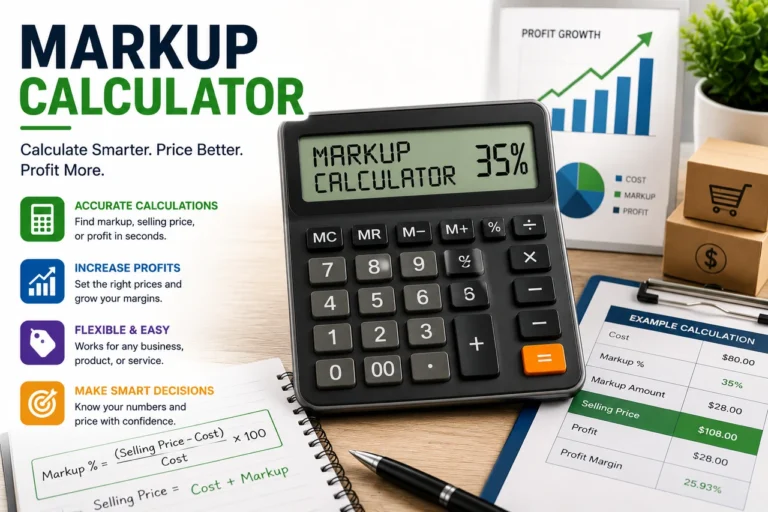
Markup Calculator displays the relationship clearly so you can review the selling price, profit and margin together.Construction tools need the same level of attention. The Asphalt Calculator uses length, width, compacted thickness and density to estimate area, volume and weight. In contrast, the Bitumen Calculator multiplies an area by an application rate. If your project document provides thickness and density, the asphalt tool is the closer match. If it provides kilograms per square metre, the bitumen tool may be more appropriate.Open the selected page and read the short explanation above or below the form before entering data. That section identifies the output, basic assumptions and important limits. If the tool does not calculate the figure you need, do not force unrelated values into its fields.
Finance and Advertising Calculator Guide
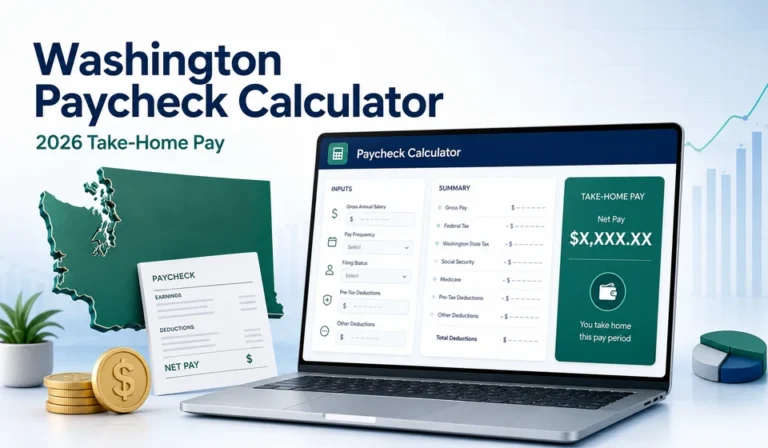
Washington Paycheck Calculator
The
Washington Paycheck Calculator provides an estimate of take-home pay from the pay details and selected deductions entered. It can help with personal budgeting or a preliminary comparison between pay periods. Payroll results can change when tax tables, benefit rates, filing details or personal deductions change, so compare important results with a current payslip or payroll professional.
Salary Increase Calculator
The
Salary Increase Calculator compares current earnings with a proposed percentage or fixed increase. It is useful when reviewing an offer, preparing a budget or converting an increase across supported pay periods. The result shows the change in gross pay and does not predict taxes, deductions or purchasing power.
Markup Calculator
The Markup Calculator supports product and service pricing. Enter the cost and the requested pricing information to examine the selling price and profit-related figures. A calculated price may still need adjustment for tax, shipping, payment fees, overhead and market conditions because those costs are not automatically known by the tool.
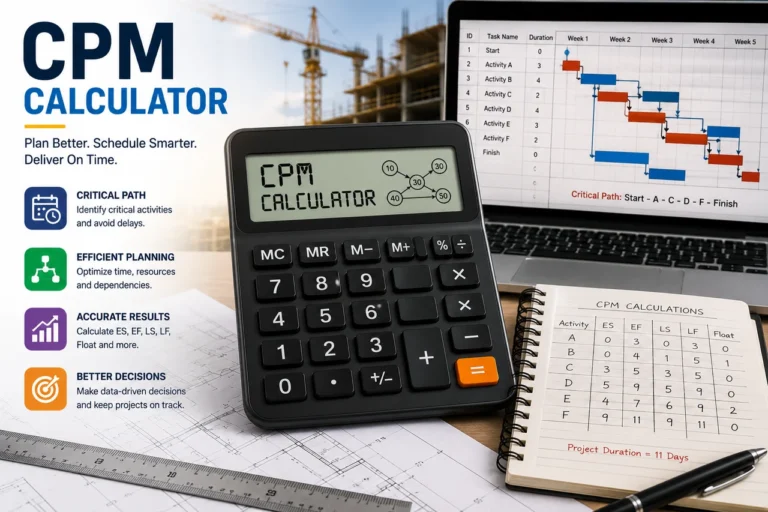
CPM Calculator
The
CPM Calculator calculates advertising cost per one thousand impressions. CPM can help compare the cost of exposure across campaigns with different budgets and impression totals. It does not measure clicks, leads, sales, conversion rate or campaign profit, so those metrics should be reviewed separately.
Construction Calculator Guide
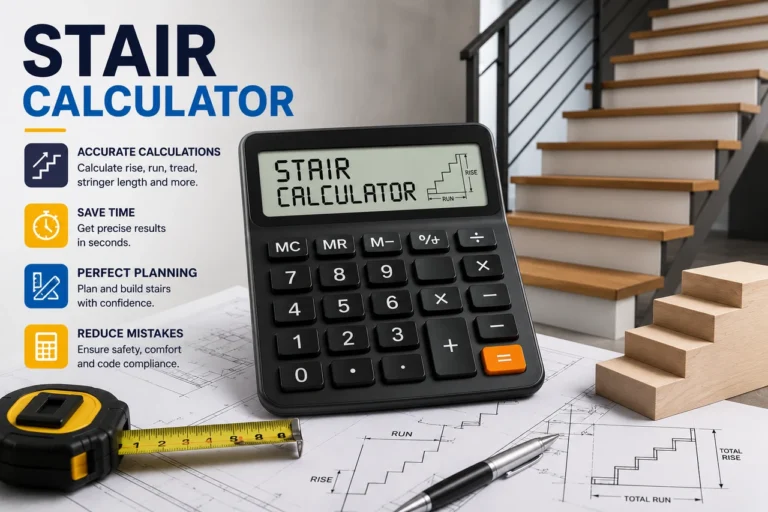
Stair Calculator
The
Stair Calculator estimates risers, treads, total run and stair angle from the dimensions entered. It can support early layout work, but it cannot approve a staircase or confirm compliance with a building code. Local rules, headroom, landings, handrails and structural details require separate review.
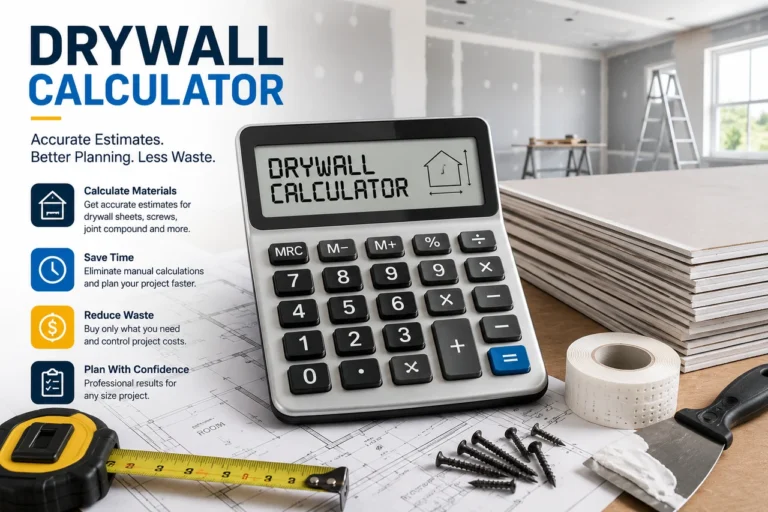
Drywall Calculator
The
Drywall Calculator estimates wall area and the number of sheets from project dimensions and sheet size. Openings, waste, sheet orientation and complex room shapes can affect the quantity purchased. Divide an irregular project into smaller sections and check the final order with the installer or supplier.
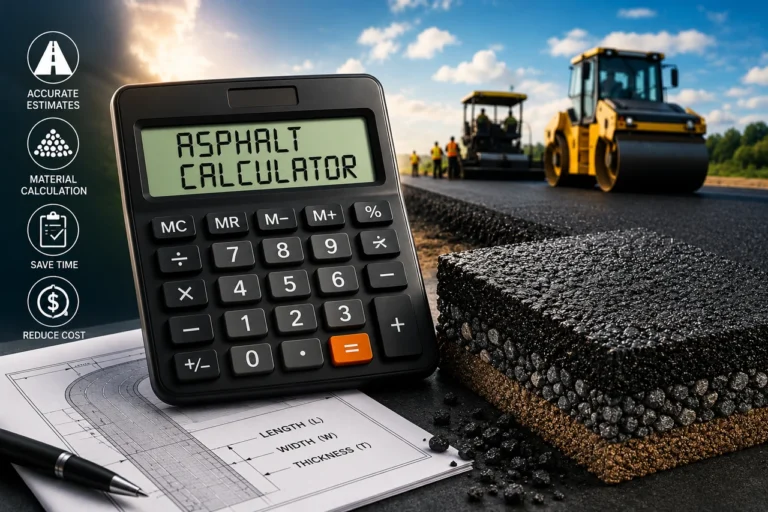
Asphalt Calculator
The
Asphalt Calculator converts surface dimensions and compacted thickness into an estimated volume, then uses density to calculate weight. It can support driveway, road, parking and path planning. The result does not add waste or determine the pavement design required for the expected traffic.
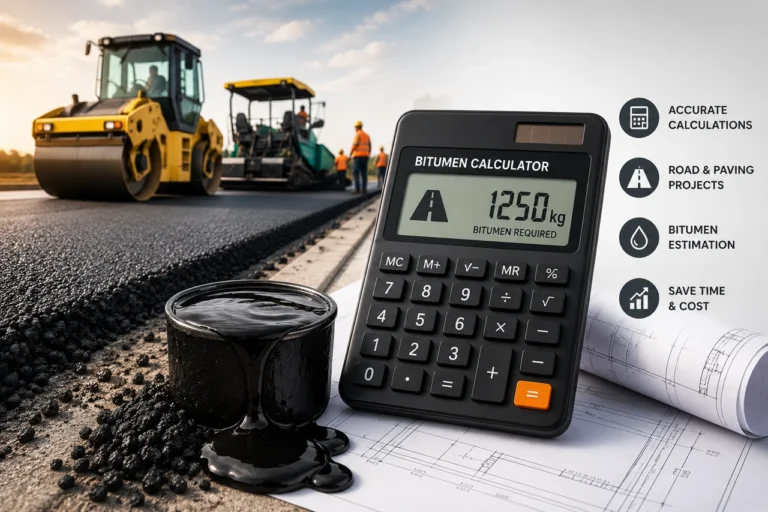
Bitumen Calculator
The
Bitumen Calculator estimates a surface quantity by multiplying area by the application rate entered in kilograms per square metre. Use a rate supplied by the product manufacturer, engineer or project document. This tool does not calculate binder percentage inside an asphalt mixture.
Health, Growth and Date Calculator Guide
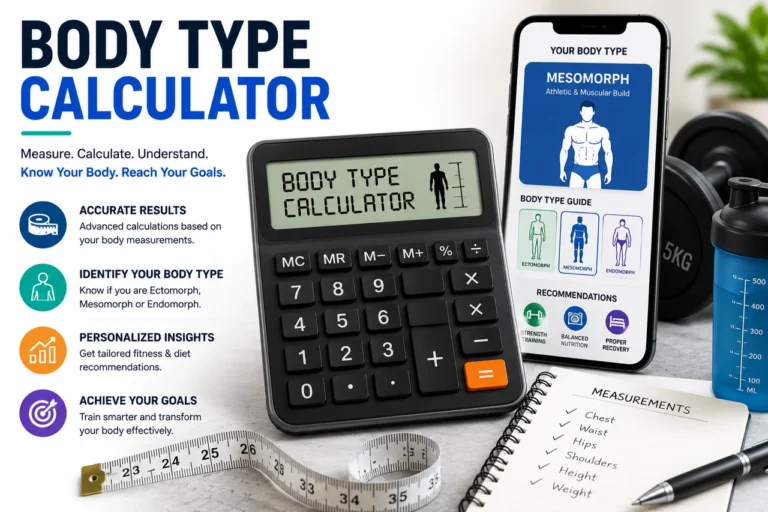
Body Type Calculator
The
Body Type Calculator uses entered measurements to provide a general body-shape category. It is intended for general information and clothing or measurement reference. It does not assess body composition, diagnose a condition or replace advice from a qualified health professional.
Puppy Weight Calculator
The
Puppy Weight Calculator provides a general estimate of adult dog weight from the available age and weight information. Breed, genetics, nutrition, health and growth pattern can lead to a different adult weight. A veterinarian can provide guidance when growth or health is a concern.
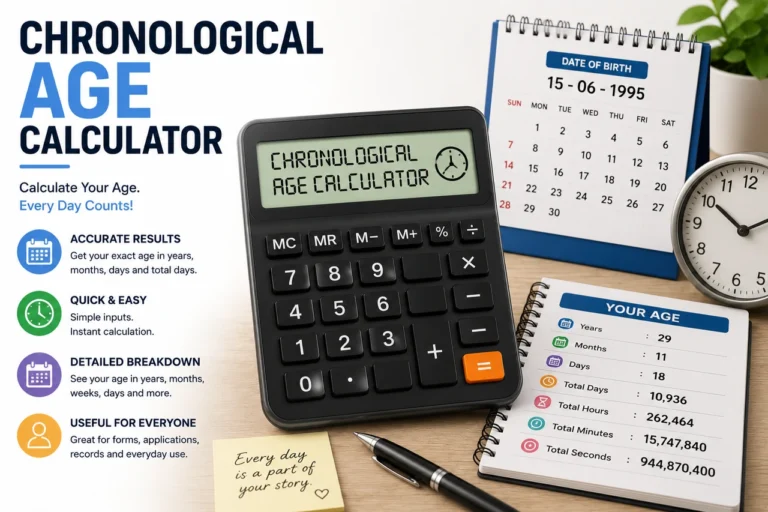
Chronological Age Calculator
The
Chronological Age Calculator finds the calendar difference between a birth date and a selected comparison date. It displays years, months and days together with total months, weeks and days. Some organisations apply their own eligibility or age rules, so check the required method for official use.
Enter Better Data for a Better Estimate
Use measurements, dates and rates taken from an appropriate source. A guessed density or application rate may produce a precise-looking answer that is not suitable for the actual material. Similarly, a payroll estimate based on the wrong pay frequency or filing details may differ greatly from a payslip.Check decimal places and unit labels before calculating. If a construction field requests centimetres, do not enter metres. If a rate is shown as a percentage, follow the field instructions. Negative values, blank fields and zero values may be rejected because they cannot produce a meaningful result for that formula.After calculating, review the inputs again. Then record the values with the output if you plan to discuss the estimate with another person. This creates a clear calculation trail and makes later changes easier.
Compare Scenarios Without Mixing Assumptions
Scenario comparison is one of the most practical uses of an online calculator. Change one value at a time and keep the remaining inputs the same. This approach shows how that single value affects the answer. For example, compare two compacted asphalt thicknesses while keeping area and density unchanged, or compare two campaign costs while keeping impressions unchanged.A comparison becomes less useful when several assumptions change together. If the first asphalt estimate uses a different area, thickness and density from the second, you cannot easily identify the reason for the difference. Save or write down each set of values and label the scenarios clearly.
Frequently Asked Questions About the Calculator Directory
Are all calculators available without an account?
Yes. The published tools work in a web browser and do not require account registration. Some browser settings or extensions may affect scripts, so try a standard browser window if a calculate button does not respond.
Can I use the calculators on a mobile phone?
The pages are designed to work on common desktop, tablet and mobile screen sizes. Entering several measurements may be easier on a larger screen, but the same formula is used.
Why are some results rounded?
Rounding makes long decimal values easier to read. A supplier, payroll system or professional tool may use a different number of decimal places. Review the displayed units and do not treat a small rounding difference as a material change without checking the full calculation.
Can a result replace professional advice?
No. The tools provide general estimates. Construction design, tax decisions, health questions, legal matters and other high-impact decisions may require a qualified professional and current official information.
How do I report an incorrect result?
Use the
Contact Us page. Include the calculator name, each value entered, the result displayed and the result you expected. Do not include passwords, account numbers, medical records or other sensitive information.
When Should You Calculate Again?
Run a new calculation whenever a source value changes. A revised measurement, product density, application rate, salary figure, tax rule or comparison date can produce a different answer. Do not overwrite the earlier inputs if you need to compare the two situations. Record each set with a date or short label.Recalculate after correcting a unit mistake, and repeat the estimate when a supplier or professional provides a more specific value. If the new result differs greatly, compare the inputs one by one. This often identifies the change faster than checking only the final totals.